COAT
0–100%Set the saturation intensity for the selected character.

SATURATION EFFECT · 3 CHARACTERS
A VST3 saturation plugin that adds warmth, density or distortion to audio. Choose BODY, SILK or GRIT, then set the intensity with COAT.
WINDOWS x64 / VST3 / v1.0.0
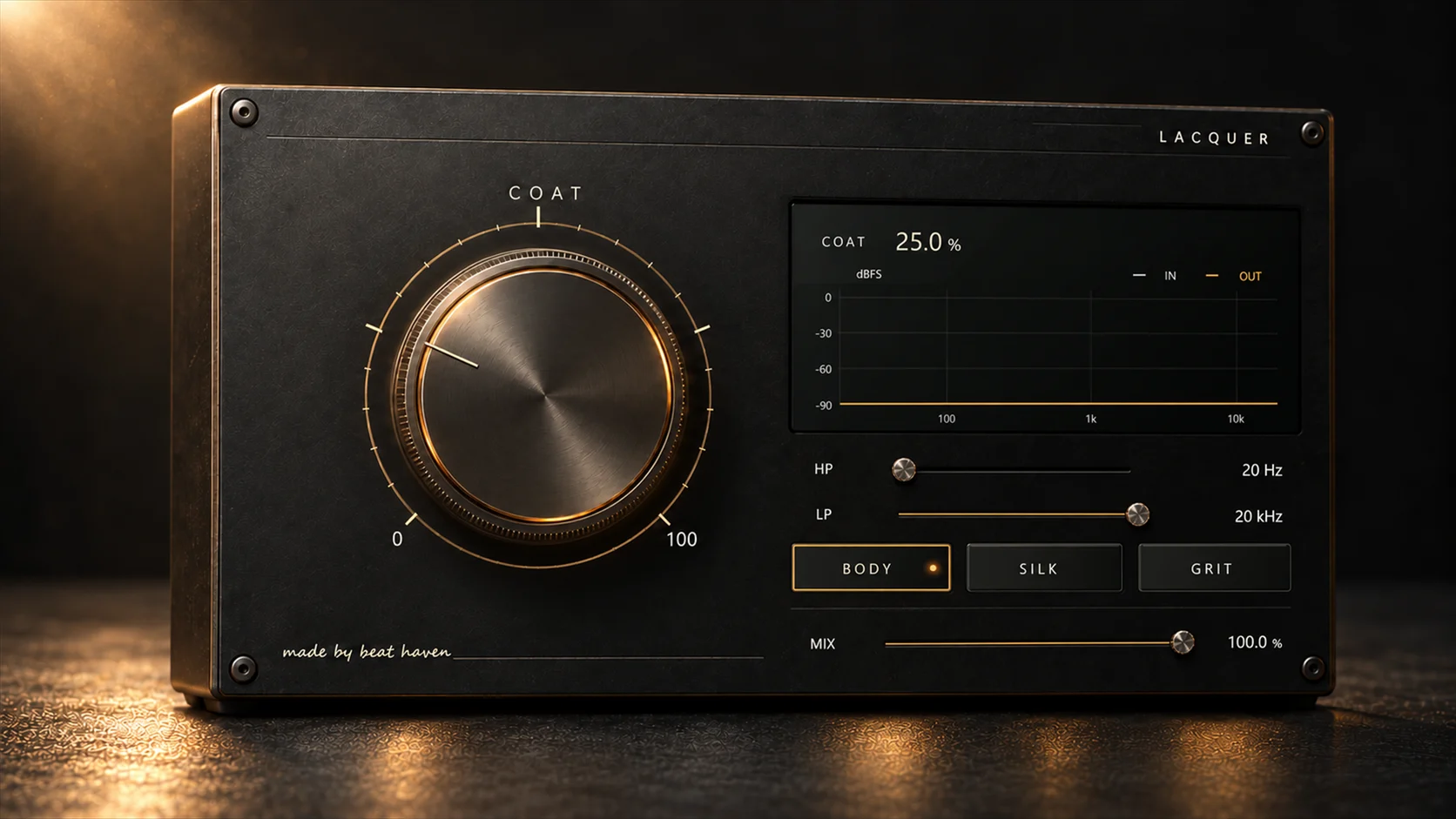
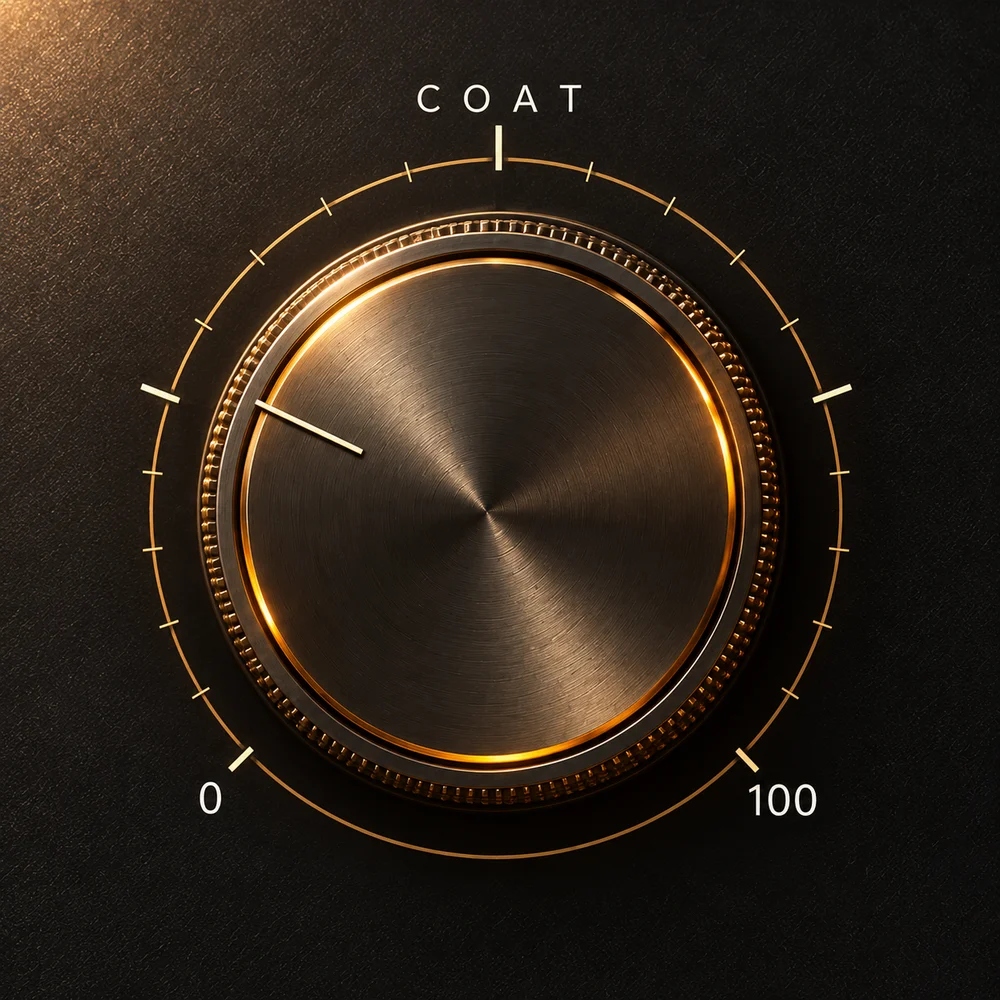
COAT sets the saturation amount, from a subtle change to stronger breakup. MIX blends the result with the original signal.
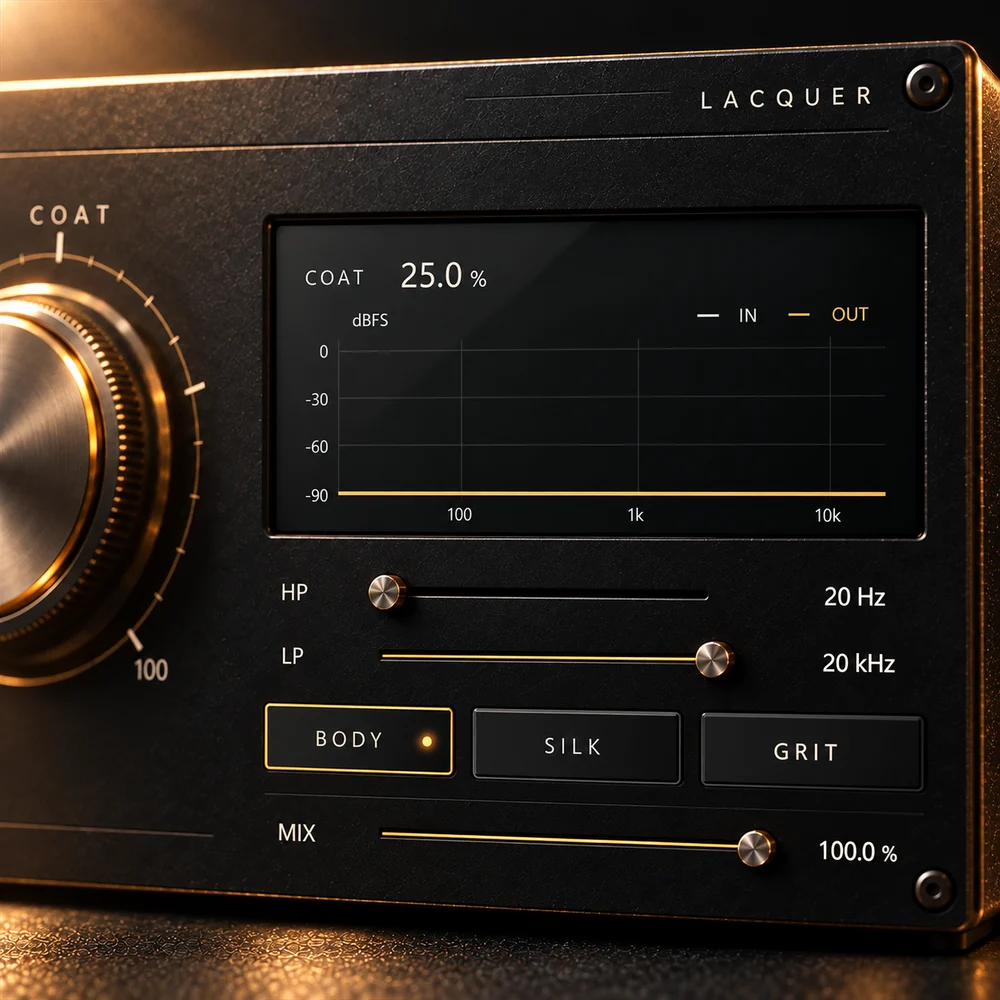
The input and output spectra use the same scale. HP and LP filters let you cut the low and high ends of the signal.
BODY, SILK and GRIT change the saturation response.
Adds warmth, weight and density. COAT controls how much saturation is applied.
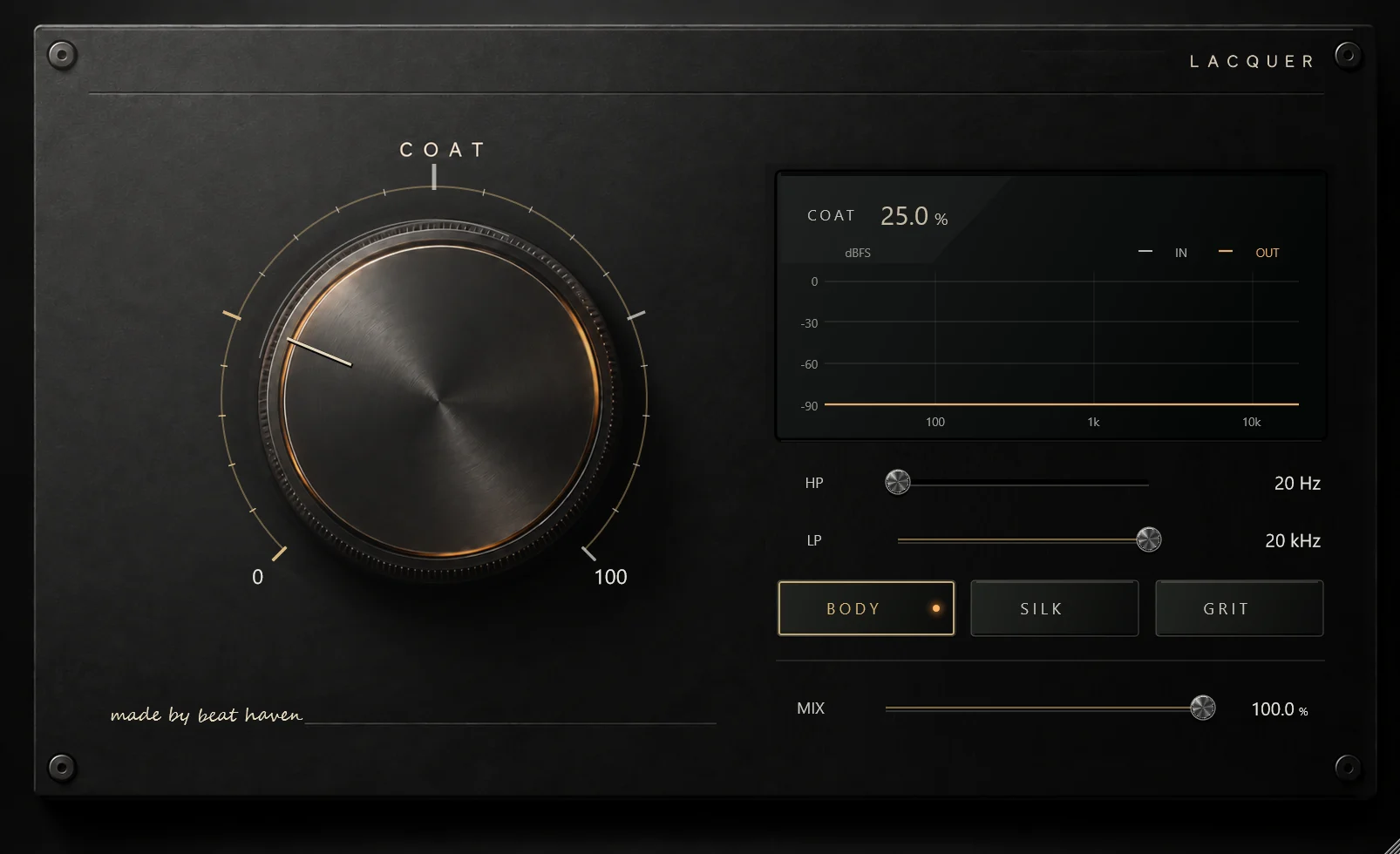
Load LACQUER as an insert on an audio track or after an instrument. The interface opens with BODY selected, COAT at 25%, MIX at 100% and filters off.
Set the saturation intensity for the selected character.
Blend the original audio with the processed signal.
Cut low frequencies with a 12 dB/octave high-pass filter.
Cut high frequencies with a 12 dB/octave low-pass filter.
Free, or name a price to support development.
Close your DAW and extract the Windows VST3 ZIP. Move the entire LACQUER.vst3 folder to C:\Program Files\Common Files\VST3, then reopen your DAW and rescan plugins if needed. Keep the folder intact; do not copy only the DLL.