DETUNE
0–50 centsSet the pitch difference between voices.

UNISON EFFECT · 1–8 VOICES
A VST3 unison plugin that layers up to eight detuned voices over your audio. Adjust pitch, stereo width and timing, or use DRIFT for slow movement.
WINDOWS x64 / VST3 / BETA
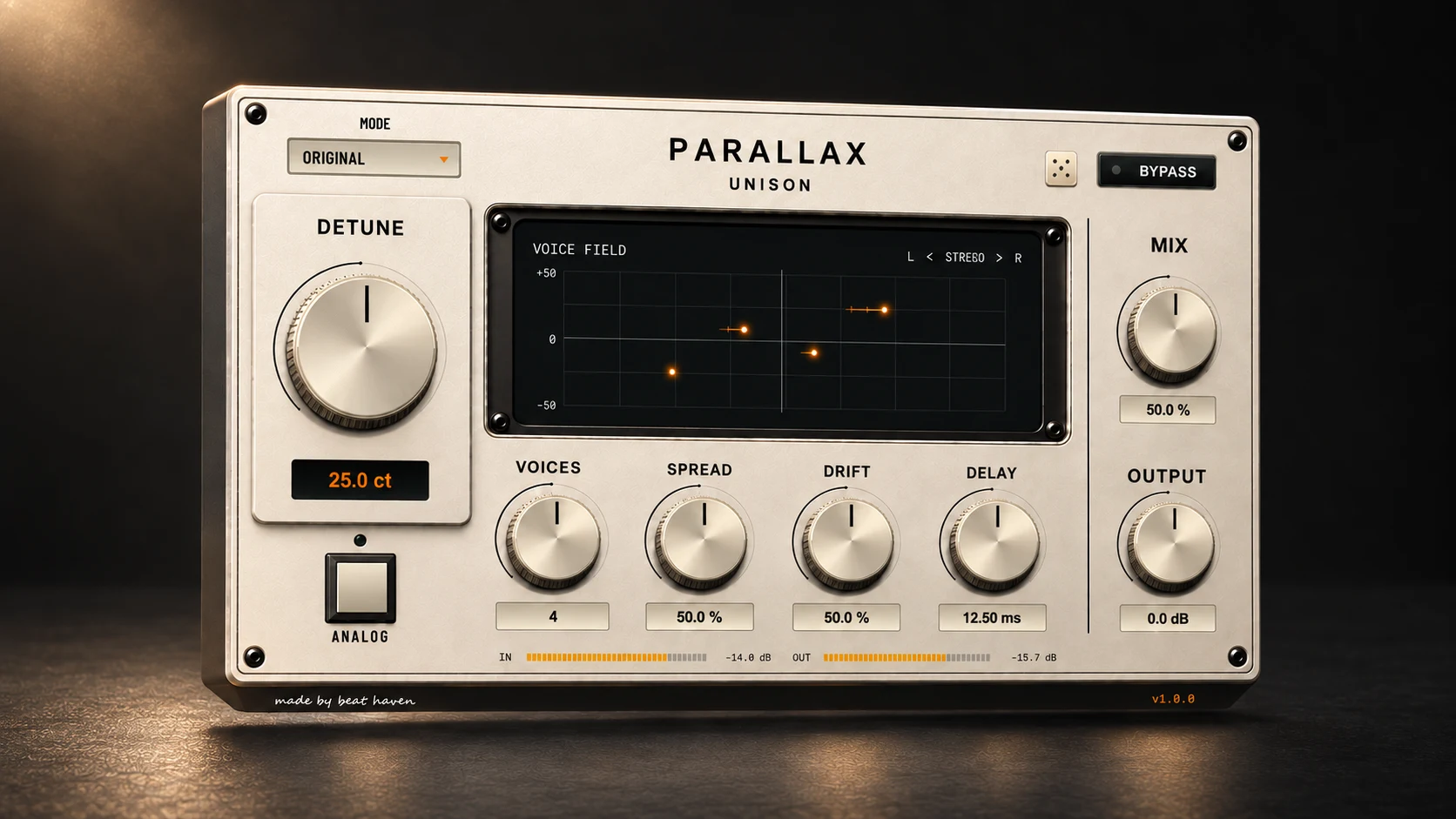
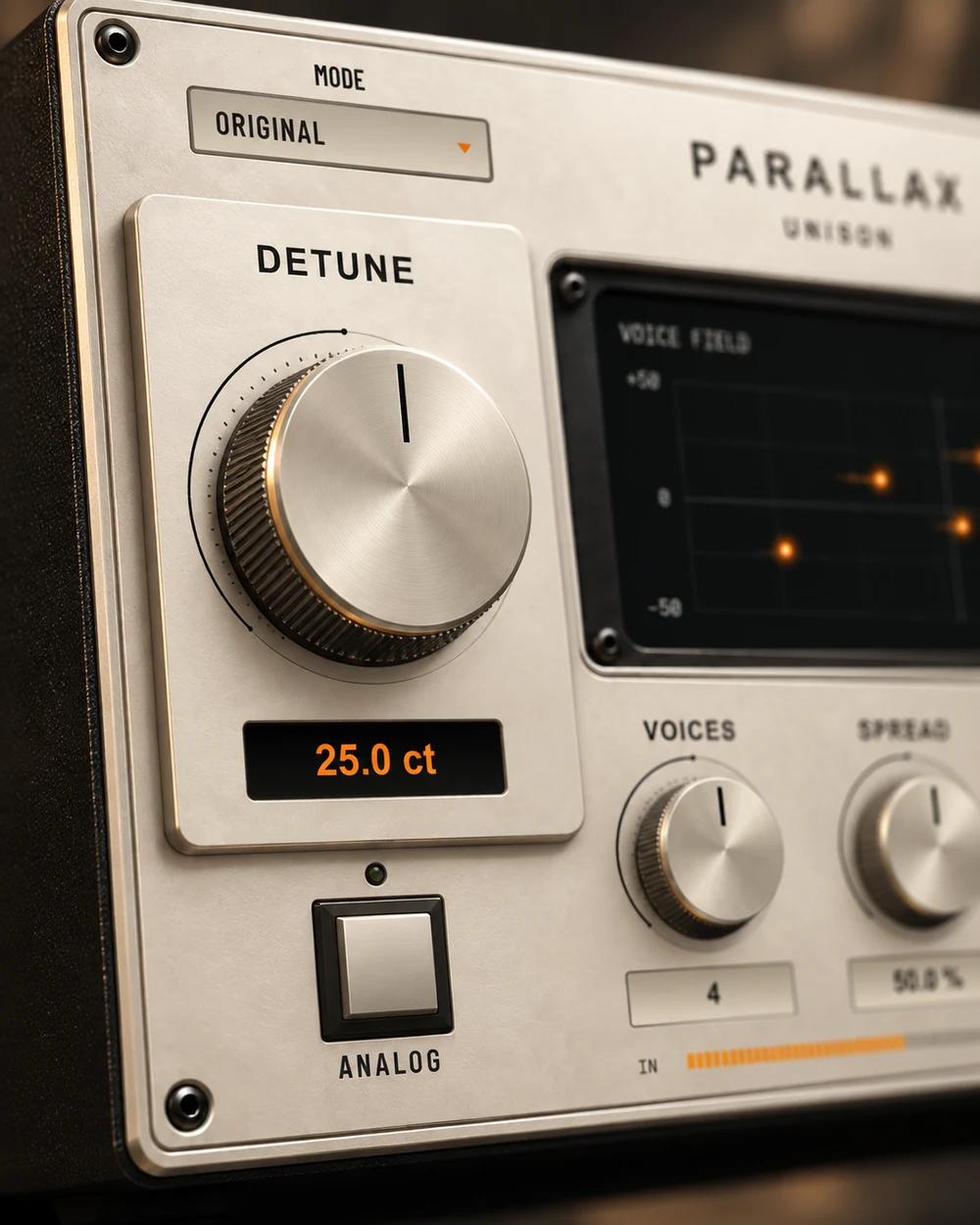
DETUNE sets pitch differences between voices. SPREAD controls their stereo width, while VOICES sets how many are active.
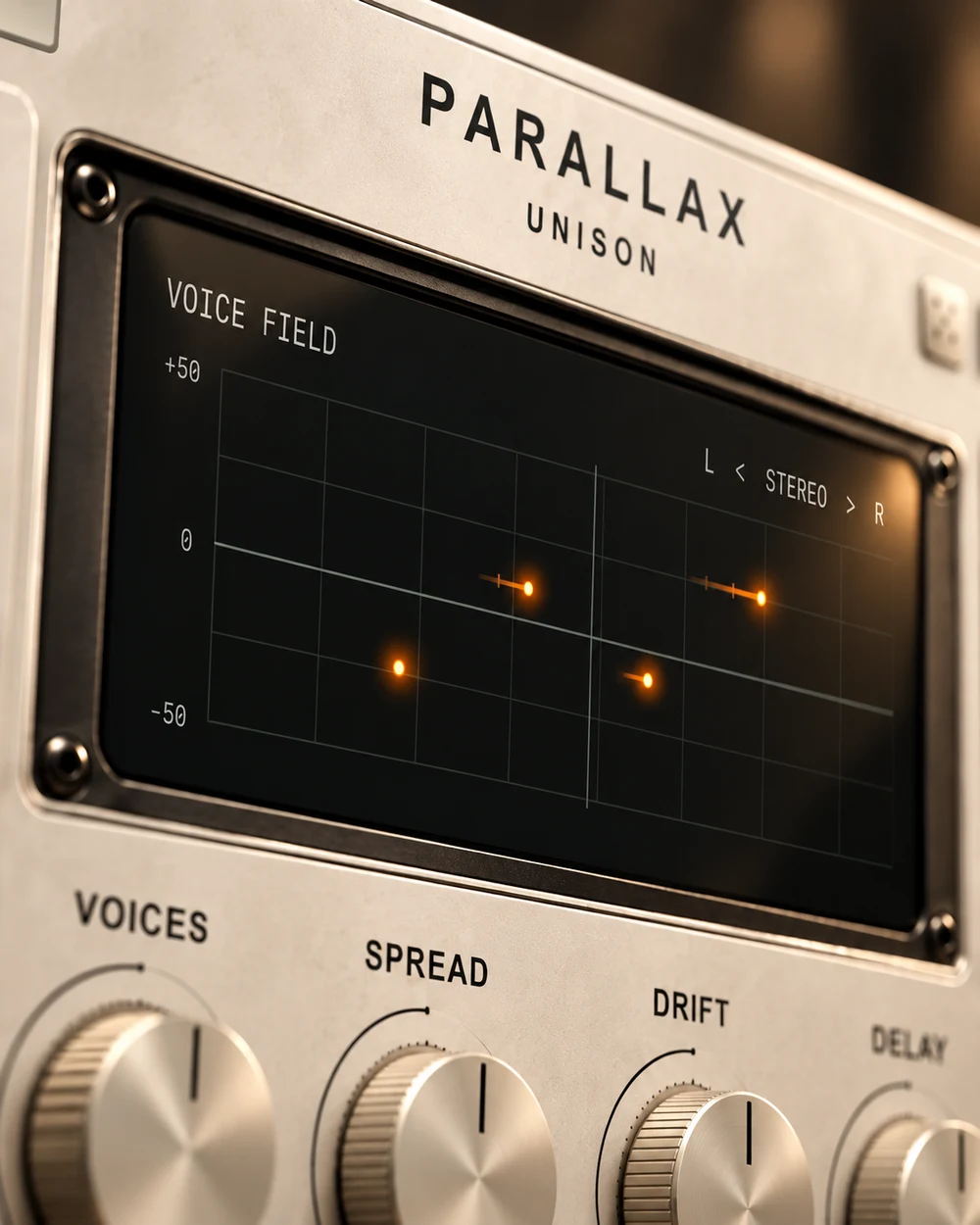
The display shows each voice’s pitch and stereo position. Orange trails represent the timing offsets set by DELAY.
Choose an arrangement to see how the voices change.
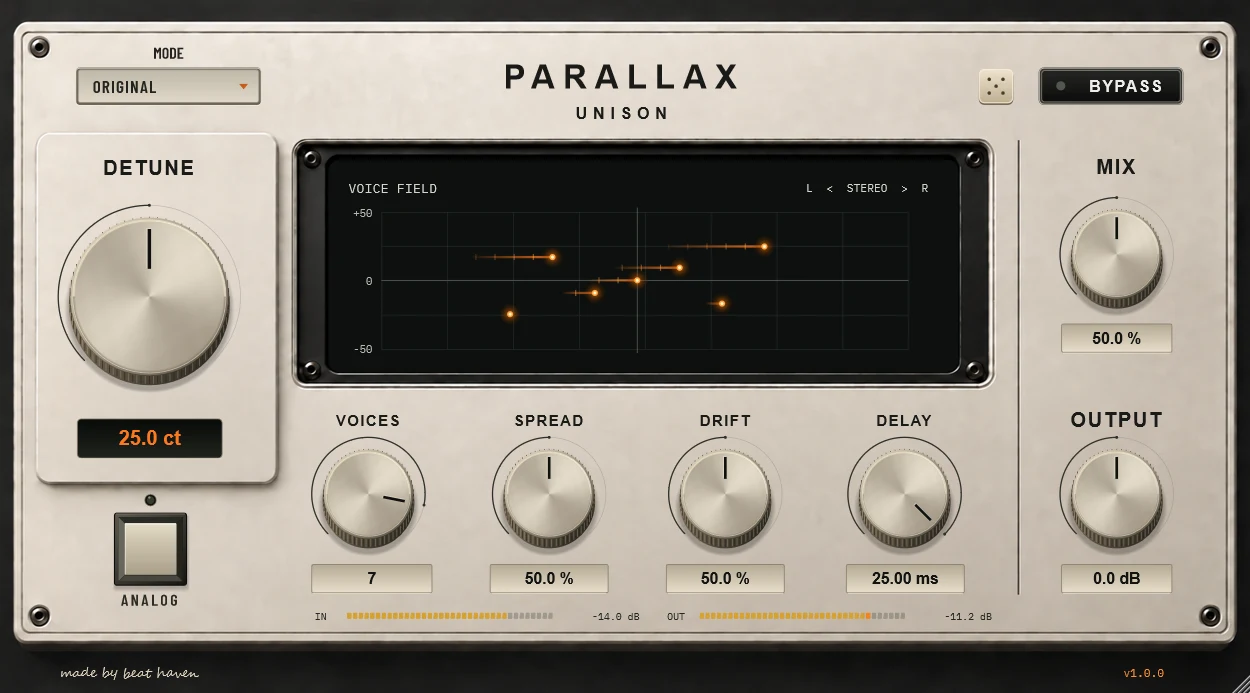
An evenly spaced voice arrangement with balanced pitch and stereo placement. DETUNE and SPREAD set the separation.
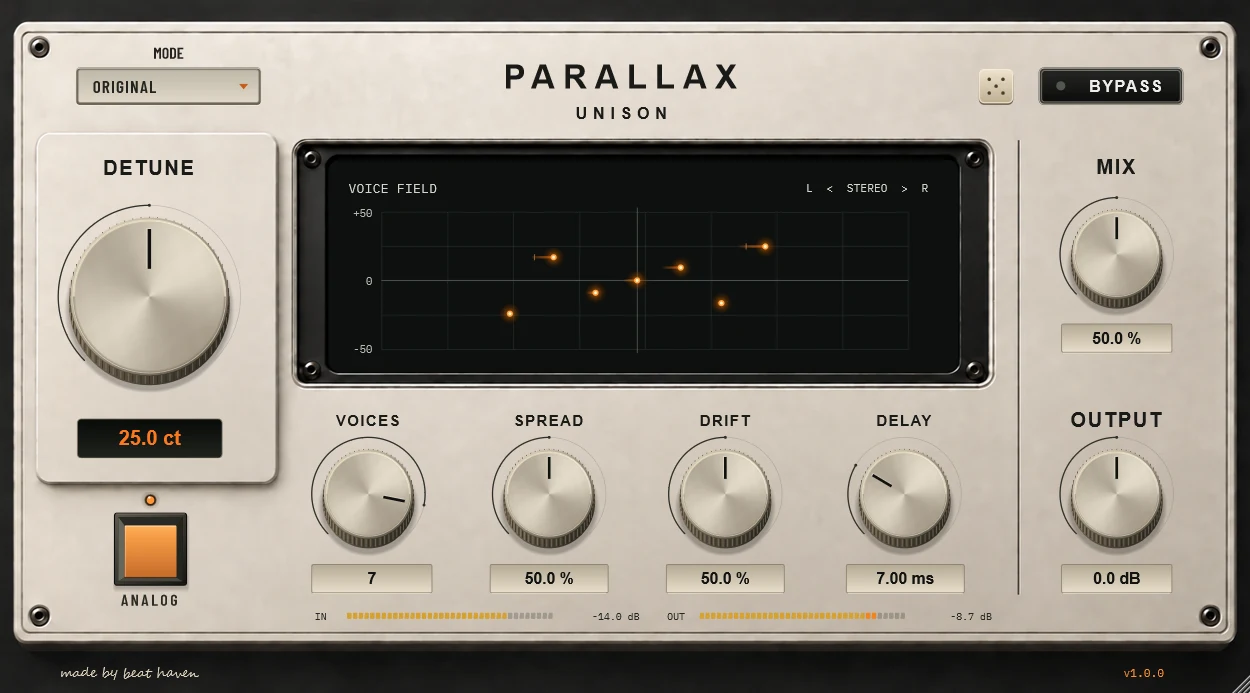
Load PARALLAX on an audio track or after an instrument. ANALOG adds harmonic colour to the full signal, independently of the MIX setting.
Set the pitch difference between voices.
Choose the number of voices in the unison arrangement.
Set the stereo width of the voices.
Add slow pitch movement. In FLOW, it also controls stereo movement.
Offset voice timing without feedback.
Blend dry and processed audio, then adjust the output level.
Free, or name a price to support development.
Download and extract the ZIP from Gumroad. Move PARALLAX.vst3 to C:\Program Files\Common Files\VST3, then restart your DAW and rescan plugins if needed.
No. ANALOG colours the full signal, including when MIX is set to 0.
DELAY offsets individual voices without feedback. The orange trails in VOICE FIELD represent these timing offsets.